How to Unlock iPhone: A Complete Guide for Every Situation
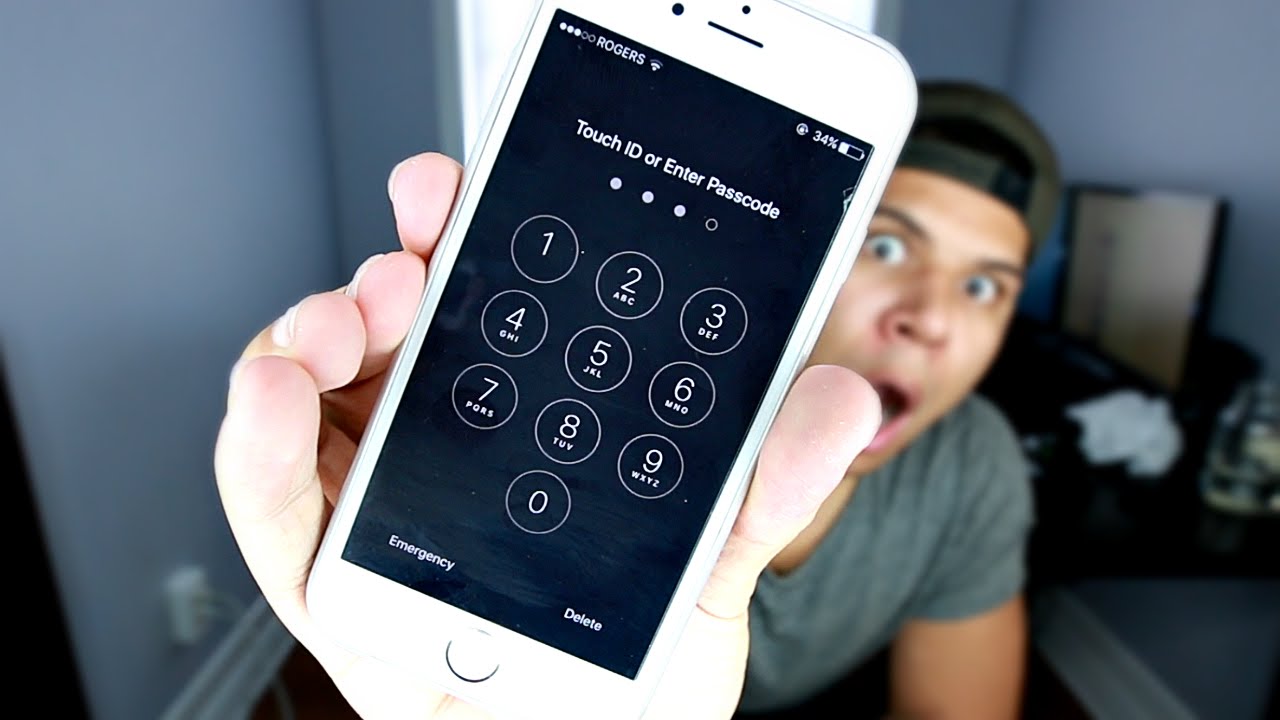
Unlocking an iPhone can mean different things depending on your situation. Some users want to unlock their device because they forgot the passcode, while others want to remove a carrier lock so they can use a different SIM card. In some cases, people purchase a second-hand iPhone and discover that it is locked to a specific network or protected by Apple’s Activation Lock. Understanding the type of lock on your device is the first step toward finding the right solution. This guide explains how to unlock iPhone devices legally, safely, and effectively while protecting your personal data and avoiding scams.
Understanding the Different Types of iPhone Locks
Before attempting to unlock your iPhone, it is important to know which type of lock you are dealing with. The most common locks include the screen passcode lock, the carrier lock, and the Activation Lock associated with Apple ID. A screen passcode protects your personal data from unauthorized access. A carrier lock limits your iPhone to a specific mobile network provider. Activation Lock is a security feature that prevents anyone from using a lost or stolen device without the original Apple ID credentials. Each of these locks requires a different method for removal, and using the wrong approach can waste time or even lead to data loss. Identifying the lock type ensures you follow the correct process.
How to Unlock iPhone Screen Passcode
If you have forgotten your iPhone passcode, you cannot simply bypass it without erasing the device. Apple has designed this security feature to protect user information. To regain access, you must place the iPhone into Recovery Mode and restore it using a computer with Finder on macOS or iTunes on Windows. After connecting your device, follow the recovery instructions based on your iPhone model. Once the restore process is complete, you can set up the phone again. If you previously created an iCloud or computer backup, you can restore your apps, settings, and personal data during setup. Without a backup, however, your stored data will be permanently erased.
How to Unlock iPhone Carrier Lock
Many iPhones sold through mobile carriers are locked to a particular network. If you want to switch to another carrier, you may need to request a carrier unlock. The process is usually straightforward if your account is in good standing and your device has been fully paid off. Contact your carrier and ask whether your iPhone qualifies for unlocking. Once approved, the carrier will process the request remotely. After inserting a new SIM card or completing the activation steps, your iPhone should work with compatible networks. Avoid paying third-party websites that promise instant carrier unlocking, as many of these services are unreliable or fraudulent.
Removing Activation Lock from an iPhone
Activation Lock is part of Apple’s Find My security system. If you purchased a used iPhone that still displays the Activation Lock screen, the original owner must remove the device from their Apple ID account. This can be done by signing into their iCloud account and removing the iPhone from the list of trusted devices. If you are the original owner but forgot your Apple ID password, you can recover your account through Apple’s account recovery process. There is no legitimate method to bypass Activation Lock without authorization from the account owner, making it one of the strongest theft protection features available.
How to Unlock iPhone Using Face ID or Touch ID
Modern iPhones offer convenient biometric authentication through Face ID or Touch ID. If your device supports these features, unlocking becomes much faster than entering a passcode each time. To enable Face ID, open Settings, select Face ID & Passcode, and follow the setup instructions. For Touch ID-equipped models, register your fingerprint in the Touch ID settings. Keep in mind that your passcode is still required after restarting the device, after several failed attempts, or if the phone has not been unlocked for an extended period. Biometric authentication improves convenience while maintaining strong security.
What to Do If Your iPhone Is Disabled
Repeatedly entering the wrong passcode causes an iPhone to become disabled. Initially, the waiting period is short, but repeated failures can eventually lock the device completely. In this situation, the only official solution is to erase the iPhone through Recovery Mode or by using Find My if the device is linked to your Apple ID. After erasing the phone, you can restore it from a previous backup. This security measure prevents unauthorized individuals from guessing your passcode indefinitely and helps keep your information protected.
Tips to Prevent Getting Locked Out Again
The best way to avoid future lockouts is to take preventive measures. Always remember your Apple ID credentials and keep them updated with a trusted email address and phone number. Enable iCloud Backup so your important photos, contacts, and documents are safely stored. Write your passcode in a secure password manager rather than relying solely on memory. Consider enabling Face ID or Touch ID to reduce the need for entering your passcode repeatedly. Keeping your device updated with the latest iOS version also improves security and reliability.
Common Mistakes to Avoid When Unlocking an iPhone
Many users unknowingly make mistakes while trying to unlock their iPhones. Downloading unofficial unlocking software from unknown websites can expose your computer to malware or permanently damage your device. Another common mistake is paying online services that claim to remove Activation Lock instantly. These services often fail to deliver results and may collect personal information or payment without providing assistance. Attempting repeated incorrect passcodes can also increase lockout times or disable the phone. Following Apple’s official procedures is always the safest and most reliable approach.
Is It Legal to Unlock an iPhone?
In most countries, unlocking your own iPhone is legal, especially when you have fulfilled your carrier’s contract requirements. Carrier unlocking is commonly supported by mobile providers once eligibility conditions are met. However, attempting to bypass security features on a phone you do not own or removing Activation Lock without permission is generally illegal and unethical. If you purchase a used iPhone, always verify that it has been properly reset and removed from the previous owner’s Apple ID before completing the transaction. This simple step can save significant frustration later.
Conclusion
Learning how to unlock iPhone devices begins with identifying the type of lock involved. Whether you need to reset a forgotten passcode, request a carrier unlock, or resolve an Activation Lock issue, following Apple’s official methods provides the safest and most reliable results. Avoid unofficial software and suspicious online services that promise quick fixes, as they often lead to disappointment or security risks. By maintaining regular backups, protecting your Apple ID, and using biometric authentication, you can minimize the chances of future lockouts while keeping your information secure.
FAQs
1. Can I unlock my iPhone without losing data?
If you remember your passcode or receive a carrier unlock, your data remains intact. However, resetting a forgotten passcode requires erasing the device unless you have an existing backup.
2. How long does a carrier unlock take?
The time varies by carrier. Some complete the request within a few hours, while others may require several business days.
3. Can I remove Activation Lock without the previous owner’s Apple ID?
No. Activation Lock can only be removed by the original Apple ID owner or through Apple’s official account recovery process if you are the rightful owner.
4. Is jailbreaking the same as unlocking an iPhone?
No. Jailbreaking modifies the operating system to allow unauthorized software, while unlocking typically refers to removing a carrier restriction or regaining access to the device.
5. Can Apple unlock my iPhone if I forgot my passcode?
Apple cannot recover a forgotten passcode. The official solution is to erase the device and restore it from a backup.
6. How can I check if my iPhone is carrier locked?
Go to Settings > General > About and look for the Carrier Lock section. It will indicate whether your iPhone has SIM restrictions.
7. Is it safe to use online iPhone unlocking services?
Use caution. Many third-party unlocking services are scams or unsupported. It is safest to work directly with your carrier or Apple.